Skip to product information
1 of 9

Hubssense

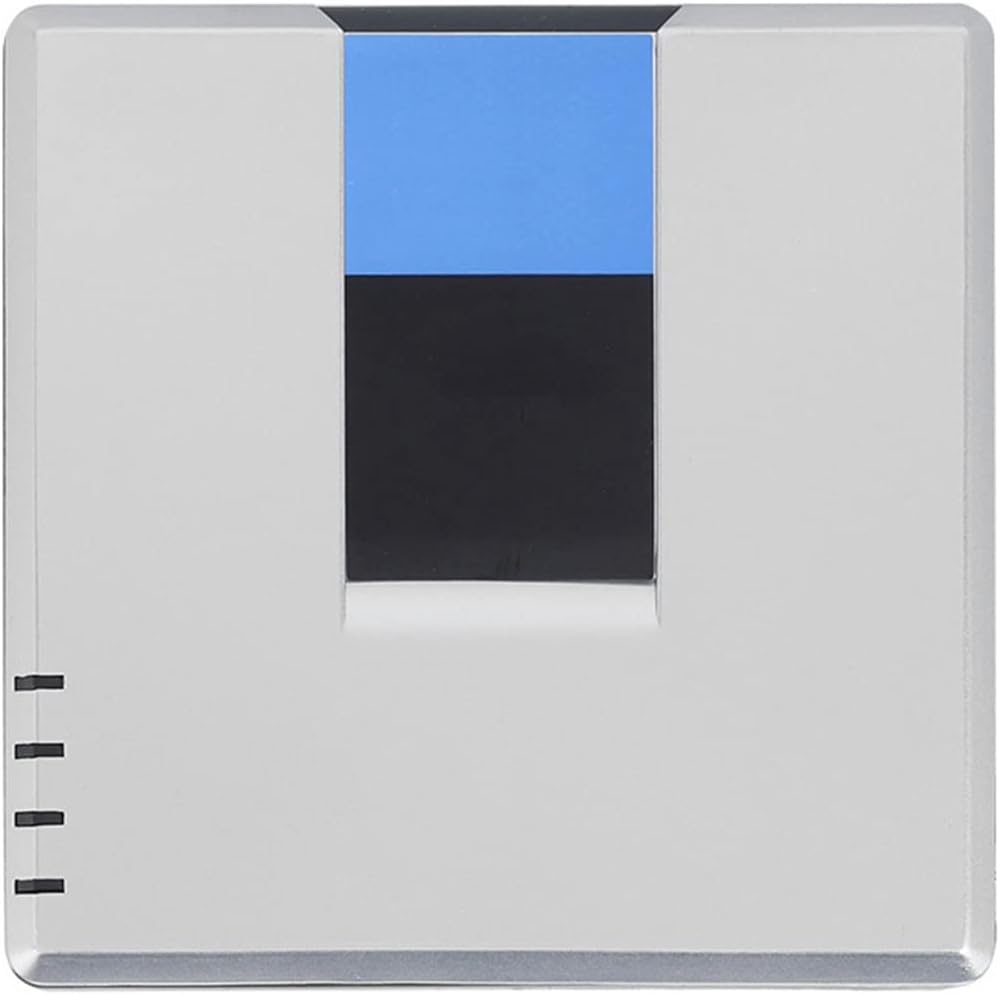
VoIP Gateway by Unlocked - Internet Phone Adapter with 2 Ports & Network Cable | SIP V2 Protocol Support

VoIP Gateway by Unlocked - Internet Phone Adapter with 2 Ports & Network Cable | SIP V2 Protocol Support

Regular price $93.95 USD
Regular price Sale price $93.95 USD
Sale Sold out
Taxes included. Shipping calculated at checkout.
  • [Easily Make International Calls] Achieve long distance or global calls with broadband network, router, or ordinary telephone.
  • [Enhanced Connectivity] Two ports for voice-over-ip and support for sip v2 protocol for seamless communication.
  • [Portable Design] Lightweight and compact for easy transport and use in various locations.
  • [Convenient Setup] Comes with a network cable for easy installation.
  • [Versatile Usage] Ideal for home or office settings, allowing for cost-effective communication solutions.

DS03779-01-1

Unlocked VoIP Gateway, Internet Phone Adapter with 2 Ports for Voice over IP, Comes with a Network Cable (Plug

YT


[Make International Calls Easily] Make global or long-distance calls with a broadband network, router or regular phone.


[Versatile Use] Ideal for home or office environments, enabling cost-effective communication solutions.


[Enhanced Connectivity] Two ports for voice over IP and support for SIP v2 protocol for seamless communication.

1

DS03779-01-2

DS03779-01-3

1

DS03779-01-2

DS03779-01-3

  • Specification:
  • Type: VoIP Gateway
  • Plug Type: US/EU/UK/AU (100-240V)
  • Brand: For
  • Model: PAP2T-NA PAP2T
  • DHCP: Support
  • SIP V2 Protocol: Support
  • Support fax and compressionMulti-voice G.711, G.726, G.729, G.723.1
  • Easily complete configuration access encryption via a web browser to automate firmware updates
  • Standard: IEEE 802.3, IEEE 802.3u
  • Port: 1 10/100M RJ-45 network interface, 2 standard telephone interfaces, 1power
  • Cable type: RJ45 twisted pair category 5;Standard RJ11 Telephone Line
  • Base Indicator: Power, Ethernet, Telephone (1-2)
  • Network Protocol: SIP v2
  • Security Features: Key Management
  • VoIP Configuration Manual :
  • 1. Connect the PAP2 device to the router with a network cable.The phone is also connected to the PAP2 device and connected to the power supply.
  • 2. Then press: 110#, the phone will report the address assigned by the PAP2 device on the router.Of course, the address assigned by each device is different, and please pay attention to the ringtone of the phone.
  • For example, the IP address assigned by PAP2 on the router is: 192.168.1.102.Open IE and enter 192.168.1.102 in the address.The following interface will appear.
  • 3. Then, find the administrative entry, administrator login.Make left to find the following interface.Configure the Line 1 phone (Line 2 is the second phone, corresponding to Phone 1 and Phone 2 on the device, the second phone is configured in the same way as the first phone), fill in the, Fill in the server IP address (provided by the VoIP service provider).Fill in your account number and password.
  • List of

View full details