

Hubssense
E EGOWAY LK-72 Replacement Battery Pack - High-Capacity 10.8V 3500mAh for Canon PIXMA TR150 Printer
E EGOWAY LK-72 Replacement Battery Pack - High-Capacity 10.8V 3500mAh for Canon PIXMA TR150 Printer
Regular price
$75.95 USD
Regular price
$104.99 USD
Sale price
$75.95 USD
Unit price
per
Taxes included.
Shipping calculated at checkout.
Couldn't load pickup availability
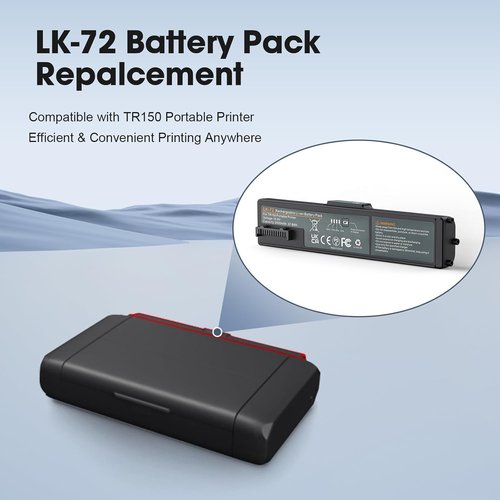
- Compatible Model: The LK-72 replacement battery is designed for the Canon TR150 portable printer. Please check your device model and existing battery before purchasing. Note: Battery cover not included.
- Reliable Printing Power: With a 10.8V 3500mAh (37.8Wh) capacity, this battery supports up to 330 prints per charge, ensuring consistent performance.
- Easy Charging: Simply install the battery and connect the power cord directly to the printer. Fully recharges in 2-3 hours using the Canon TR150 adapter (adapter not included).
- Easy To Carry and Use: The LK-72 battery is lightweight and compact, and you can carry it with you for easy mobile printing without the need for an AC power outlet.
- Safe & Stable Performance: Made with high-quality lithium-ion cells and built-in protection against overcharging, overheating, and short circuits for reliable use.